Journal ·
How to turn golf simulator data into a club distance chart
Start with carry distance, group shots by club, and review the imported readings before you record typical yardages. A chart built from repeatable shots gives you a more useful reference than your single longest result.
Keep carry and total distance separate
Carry is the distance the ball travels before landing. Total distance also includes rollout. A carry chart is useful when you need to clear a bunker, reach the front of a green or compare clubs on a consistent basis.
Save the screenshot or export
Capture the simulator view that names the club and displays the carry readings, or export the session as a CSV. Keep separate files for sessions with different clubs or conditions when the data does not already identify them.
Review the numbers before keeping them
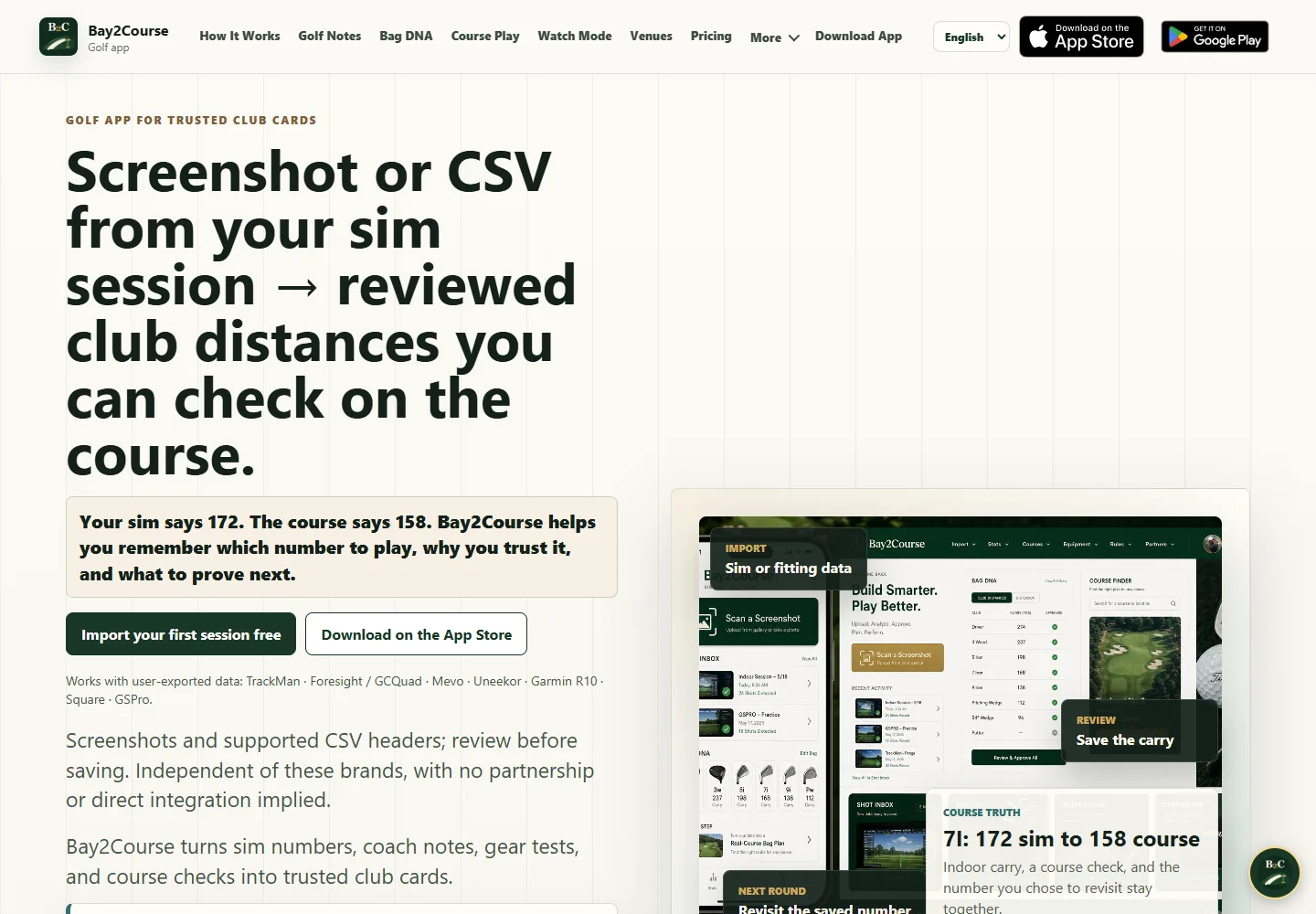
In Bay2Course, start from a screenshot or CSV and review the imported distances. Confirm the club, measurement and units. If a row reflects the wrong club or a misread, correct it before adding it to your reference.
How should I handle outliers?
Keep enough shots to see your normal spread. Flag obvious capture errors and separate unusual shots from the group you use as your typical carry. Use the chart as a starting reference and adjust for actual conditions on the course.
See the Below Zero Media app portfolio · Read more practical guides