Journal ·
How to identify an unknown pool pump part before ordering
Start with the pump housing’s model plate, then match the loose part to the manufacturer’s parts diagram. Photograph any molded numbers and measure the part if the diagram lists several versions. If the model or revision is unclear, send the evidence to your parts counter before placing an order.
Get the pump model from the housing
Take one wide photo showing the pump and one close-up of its model plate. Write down the manufacturer, full model number, and any revision shown. The label on a replacement motor identifies the motor. Use the pump housing label for housing parts such as the basket, lid and lid seal.
Record the clues on the part
Photograph the part from both sides and get a close-up of any stamped or molded numbers. For a lid or basket, capture its shape and diameter with a ruler in frame. A molded marking can help narrow the search. Confirm it against the parts diagram before treating it as an order number.
Check the diagram for your model and revision
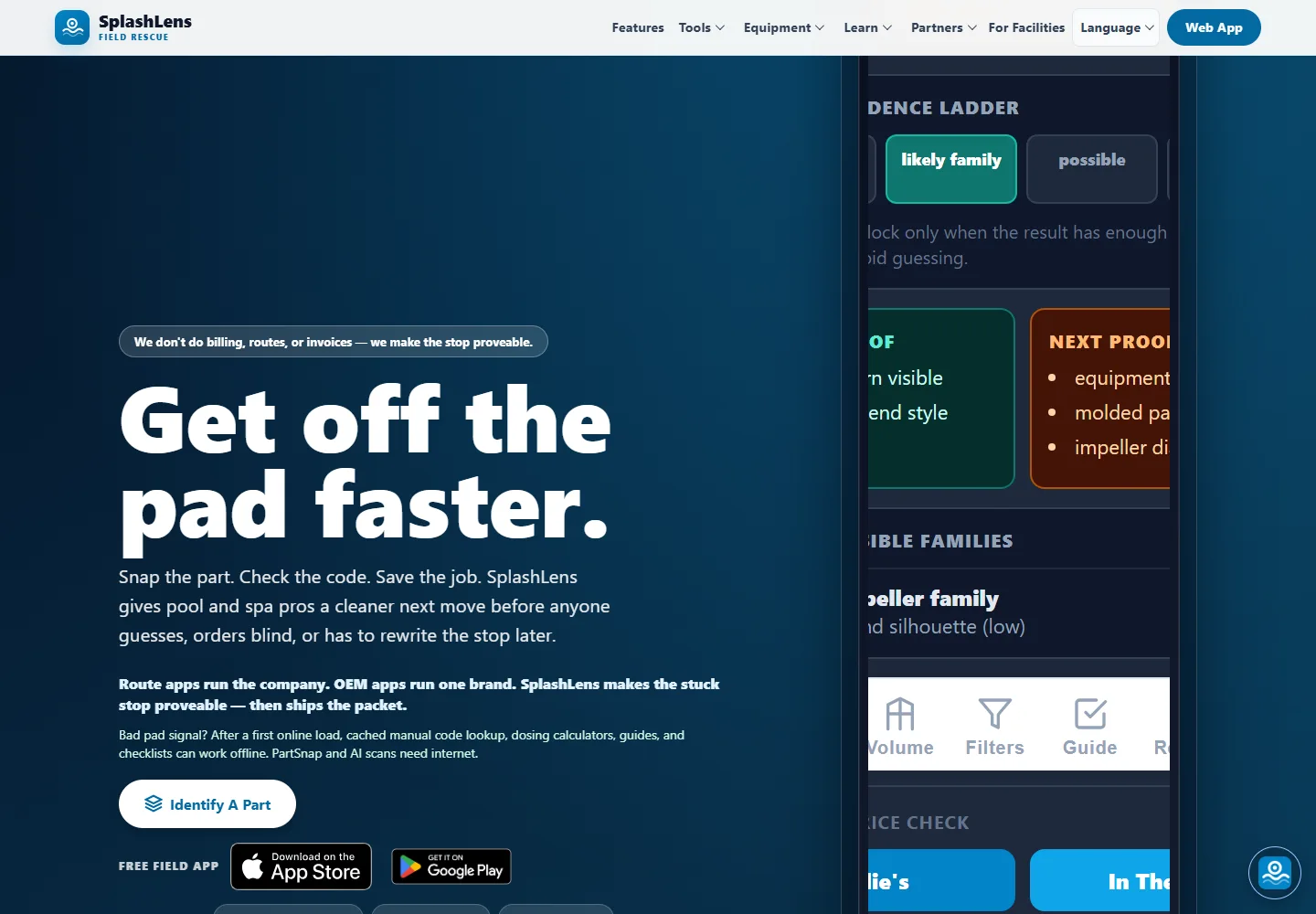
In SplashLens PartSnap, scan the part and capture the model plate when prompted. A clear, high-confidence label can open the equipment library filtered by brand and model. If PartSnap offers possible matches, compare the options with the label before opening the manufacturer’s manual or diagram. Check the diagram’s callout against the part and confirm the current order number with your supplier if there are multiple revisions.
What if I can only read the motor label?
Save the motor label, a wide pump photo, any housing marks, and the part close-ups. Send the packet to a supplier or senior tech and ask which pump assembly and revision the photos support. If you’re still missing a model or a diagram, hold the order until someone can verify the fit.
See the Below Zero Media app portfolio · Read more practical guides